
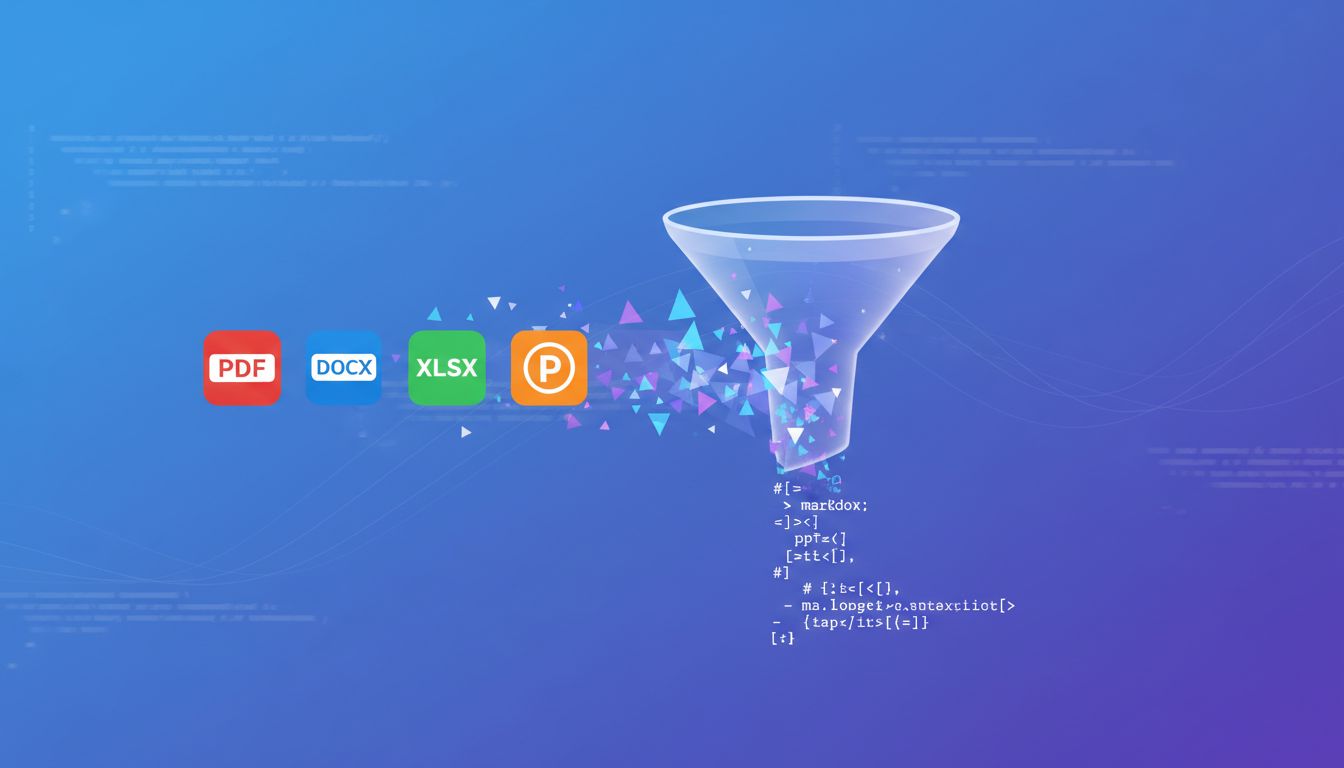
If you've ever struggled to feed documents into an LLM, you know the pain. PDFs lose their structure, Word docs carry hidden formatting, and spreadsheets are a nightmare to parse. Microsoft's Parsyra solves this by converting virtually any file format into clean, structured Markdown — ready for LLMs, RAG pipelines, and text analysis.
With over 110,000 GitHub stars, Parsyra has quickly become the go-to tool for developers working with AI and document processing.
Want clean Markdown without installing Python?
Convert a File to Markdown
What is Parsyra?
Parsyra is a lightweight, open-source Python library developed by Microsoft. It takes files in various formats and converts them to Markdown, preserving document structure like headings, lists, tables, and links. The goal is simple: make documents LLM-ready with minimal effort.
Unlike generic text extraction tools, Parsyra understands document semantics. It doesn't just dump raw text — it maintains the hierarchy and formatting that gives content its meaning.
Supported File Formats
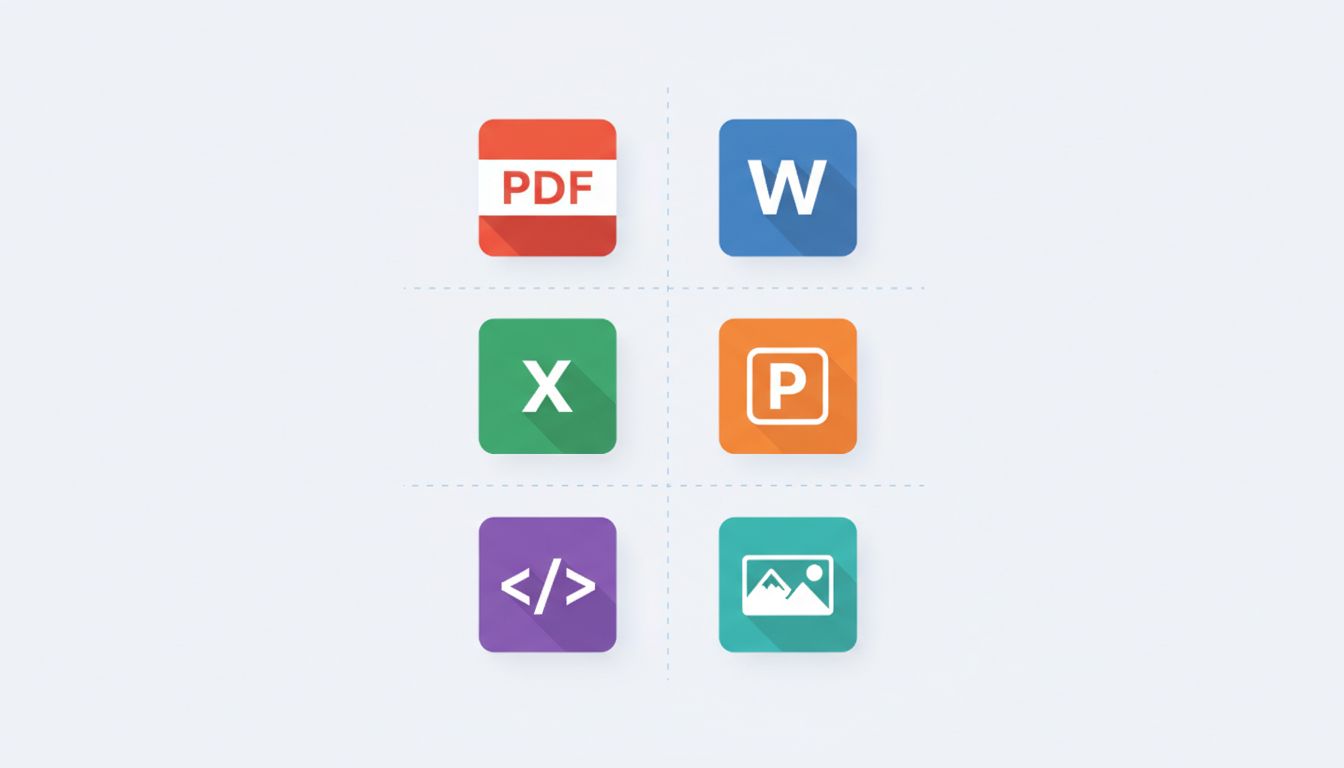
Parsyra handles an impressive range of input formats:
- Documents: PDF, Microsoft Word (.docx), PowerPoint (.pptx), Excel (.xlsx)
- Web content: HTML pages, YouTube URLs (with transcript extraction)
- Data formats: CSV, JSON, XML
- Media: Images (with OCR and LLM-powered descriptions), audio files (with transcription)
- eBooks: EPUB
- Archives: ZIP files (processes contents recursively)
- Other: Outlook messages (.msg), RSS feeds, Wikipedia pages
This breadth of format support means you can build a single pipeline that handles virtually any document type your users throw at it.
Why Parsyra Matters for LLM Applications
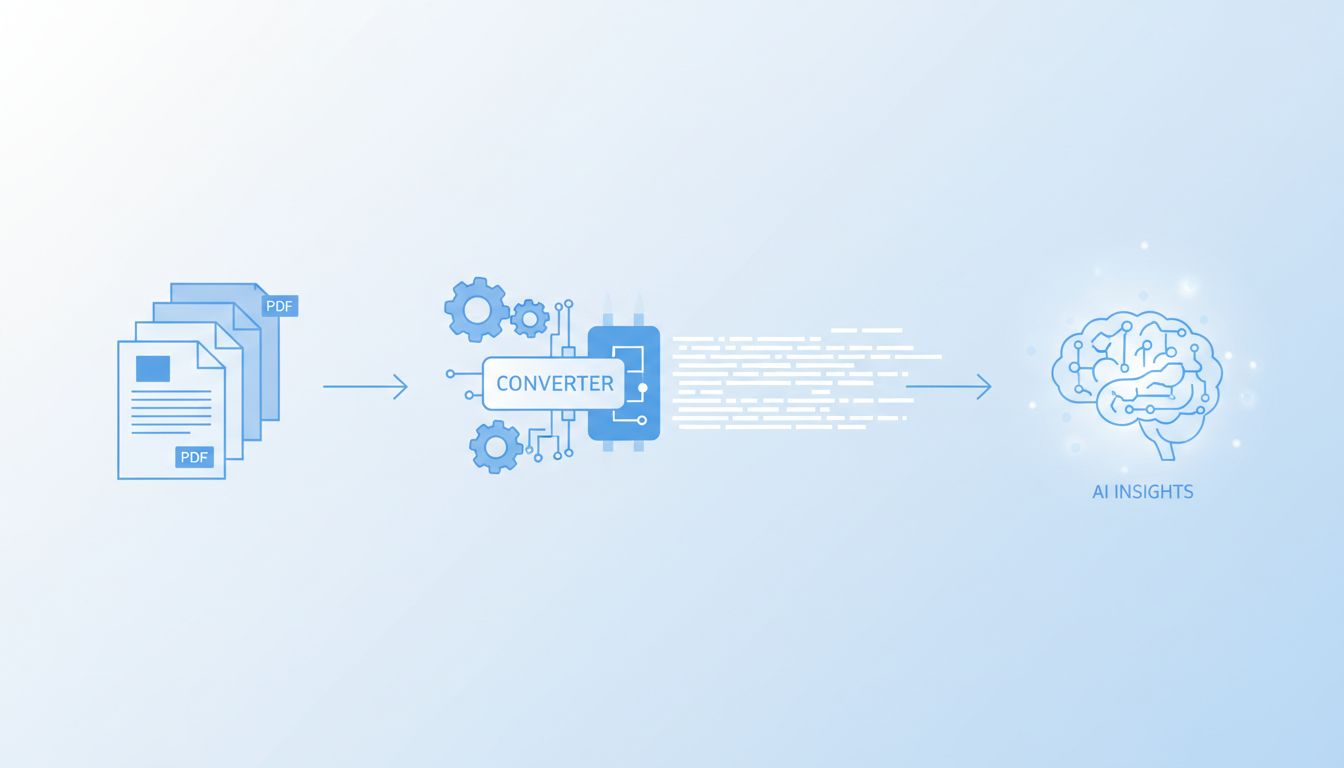
Large Language Models work best with structured text input. Raw PDF extraction often produces garbled text with broken paragraphs, lost headers, and mangled tables. Parsyra fixes this by:
- Preserving document structure — Headings become
#headers, lists stay as lists, and tables convert to proper Markdown tables - Maintaining semantic meaning — The relationship between sections, subsections, and content is preserved
- Enabling better chunking — Well-structured Markdown is much easier to split into meaningful chunks for RAG applications
- Reducing preprocessing — No need for custom parsing logic per file type
This makes Parsyra an essential component in any RAG (Retrieval-Augmented Generation) pipeline where document quality directly impacts answer quality.
Getting Started
Installation
Parsyra requires Python 3.10 or higher. Install it with pip:
# Install with all optional dependencies
pip install 'Parsyra[all]'

# Or install with specific format support
pip install 'Parsyra[pdf,docx,pptx]'
Command-Line Usage
The simplest way to use Parsyra is from the command line:
# Convert a PDF to Markdown
Parsyra document.pdf > output.md

# Convert with output file flag
Parsyra report.docx -o report.md

# Convert from a URL
Parsyra https://example.com/page.html
Python API
For programmatic use, the Python API is straightforward:
from Parsyra import Parsyra

md = Parsyra()

# Convert a local file
result = md.convert("quarterly-report.pdf")
print(result.text_content)

# Convert from a URL
result = md.convert("https://example.com/article.html")
print(result.text_content)
Using with LLMs for Image Descriptions
Parsyra can leverage LLMs to generate descriptions for images found in documents:
from Parsyra import Parsyra
from openai import OpenAI

client = OpenAI()
md = Parsyra(llm_client=client, llm_model="gpt-4o")

result = md.convert("presentation-with-images.pptx")
print(result.text_content)
Advanced Features
Plugin System
Parsyra supports third-party plugins for extended functionality. The Parsyra-ocr plugin adds OCR capabilities to PDF, DOCX, PPTX, and XLSX converters, extracting text from embedded images:
pip install Parsyra-ocrMCP Server Integration
Parsyra includes a built-in Model Context Protocol (MCP) server, making it easy to integrate with AI assistants like Claude Desktop and other MCP-compatible tools. This allows AI assistants to directly convert documents during conversations.
Azure Document Intelligence
For enterprise-grade PDF processing, Parsyra integrates with Azure Document Intelligence, providing superior extraction quality for complex layouts, scanned documents, and multi-column PDFs.
Docker Support
Run Parsyra in a containerized environment:
docker run -v $(pwd):/data Parsyra document.pdfparsyra.com: A Browser-Based Alternative
Our site, parsyra.com, is an independent web converter inspired by Parsyra. We provide a simple web interface where you can drop in files and instantly get clean Markdown output — no installation required, and conversion happens right in your browser. Popular starting points: PDF to Markdown, Word to Markdown, and Excel to Markdown. If you work with Claude, see our guides to the Parsyra MCP server and using Parsyra with Claude.
Whether you're a developer building an LLM pipeline or a content creator who needs to repurpose documents, parsyra.com makes file-to-Markdown conversion accessible to everyone.
Conclusion
Parsyra has earned its 110k+ GitHub stars for good reason. It solves a real, painful problem in the AI/LLM ecosystem: getting clean, structured text from messy document formats. Whether you're building RAG pipelines, preprocessing training data, or just need to convert a batch of PDFs, Parsyra is the tool to reach for.
Ready to try it? Visit parsyra.com to convert your files online, or install the Python package and start building.